Open topic with navigation
ODBC Export Wizard (Step Three)
 View image
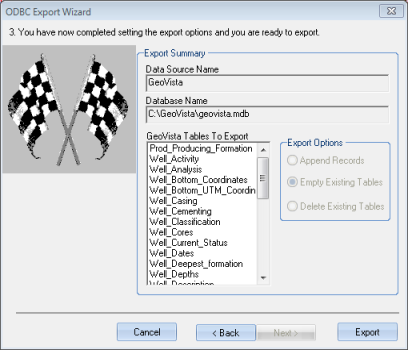
- At any time, you can click <Back>
to return to the previous pages and change information.
finish the export workflow
Follow these steps to complete the export:
- Look over the Export
Summary to confirm your export options.
- Click <Export>
to export the selected information in the format you specified.
- You can watch the
export's progress in the GeoVista Progress bar.
- When you finish the export, use the applicable external application (For example, Excel)
to open and work with your newly exported data.
What do you want to do?